Publishing Shiny Apps to the Production Servers
Accessing the Production Servers
Similar to the dev server, to get access to the internal prod server contact the server admin George Zaki. If you have not applied for access to the development server, see the information for applying for access on the Publishing to Dev documentation page.
Publishing to the Internal Production Server
The NCI internal production Posit Connect server is useful for sharing deployed Shiny apps with collaborators within NCI.
The internal production server is accessible at the URL: posit-connect-prod.cancer.gov
Once your app has been tested on the internal development server and is ready for sharing with a collaborator within NCI, confirm with George Zaki that the app can now be deployed and published on internal production.
Publishing
The steps for publishing to the internal production server will be the same as publishing to the internal development server, with a change to the URL and some additional steps for sharing.
Recap:
- When the app is tested and ready for deployment, choose the “Publish” button in R studio. Consult the Publishing to Dev documentation for more information.
- If the app has previously been deployed see the “Republish” section
- Add a new destination and use the URL for the internal production server
- Follow the prompts for connecting R to the server, one prompt on the server and a following prompt in R studio
Sharing the App
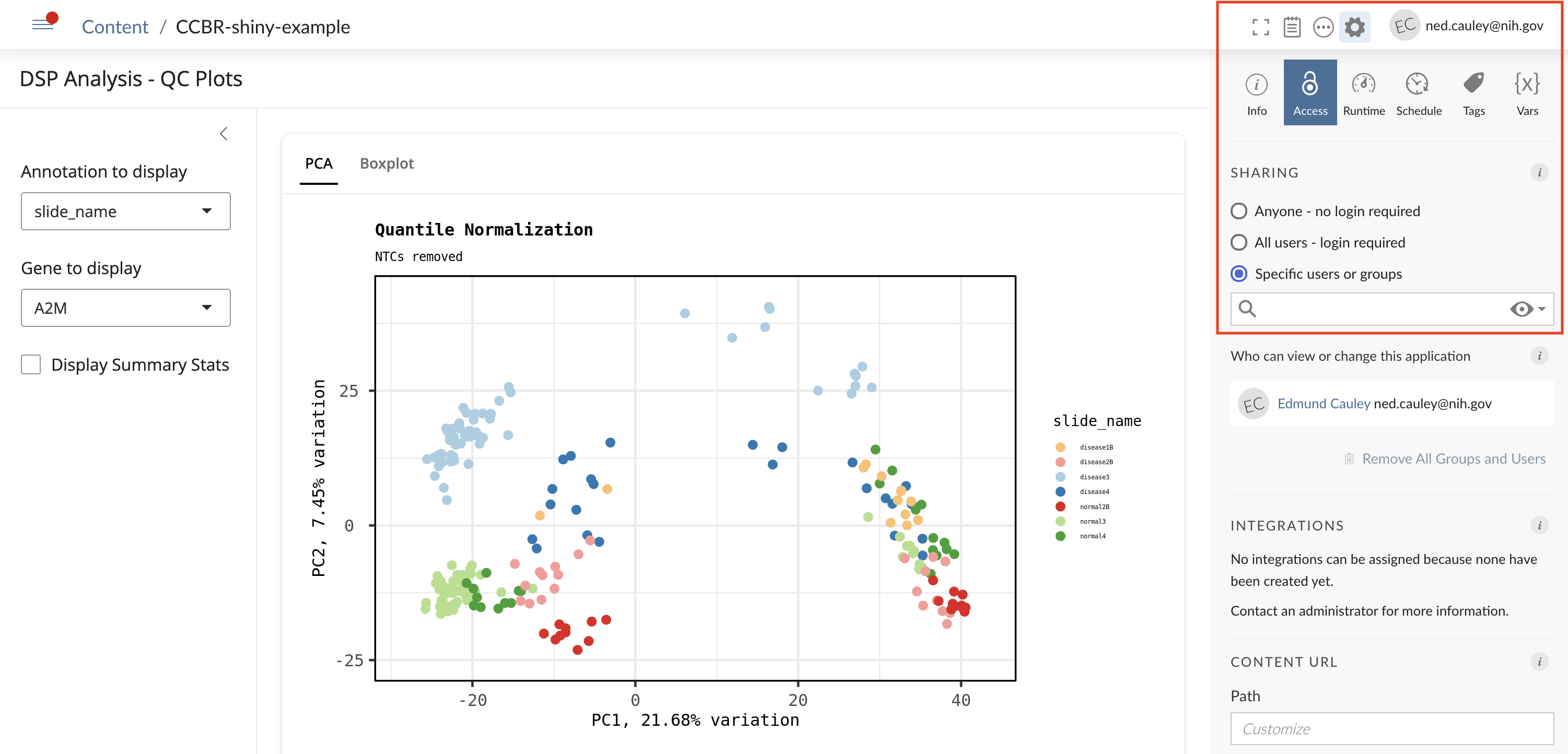
Once the Shiny app has been deployed to the internal production server, we can choose how to share the app for final publishing. Sharing can be done by clicking the Cogwheel in the upper right and choosing the Access tab.
Publishing to the External Production Server
The NCI external production Posit Connect server is useful for sharing deployed Shiny apps with collaborators outside of NCI. A Shiny app published on the external production server can be shared either privately with a select number of non-NCI collaborators, or made public for access by anyone.
Publishing on the external production server is a different process then the internal dev and prod servers in several ways that are detailed below.
| Server | Publishing Permissions | Security Check | 508 Compliance |
|---|---|---|---|
| Internal Production | Yes | No | No |
| External Production (Private) | Yes | Yes | No |
| External Production (Public) | Yes | Yes | Yes |
Security Check
The security check is required for any Shiny apps published to the External Production server. The security check will be run by George Zaki.
508 Compliance (Accessibility)
508 compliance is only required for publicly accessible apps, and refers to the accessibility features of the web page.
For a more specific explanation and check list, see the NCI article Section 508 Conformance and Accessibility Checklist. You will likely need to login using NIH credentials to see this web page.
For 508 compliance tools to check an app, refer to the 508 compliance section in this NCI article.
508 compliance will also be verified by George Zaki before the app can be published.